 TIMMYG Studios
Stream Deck
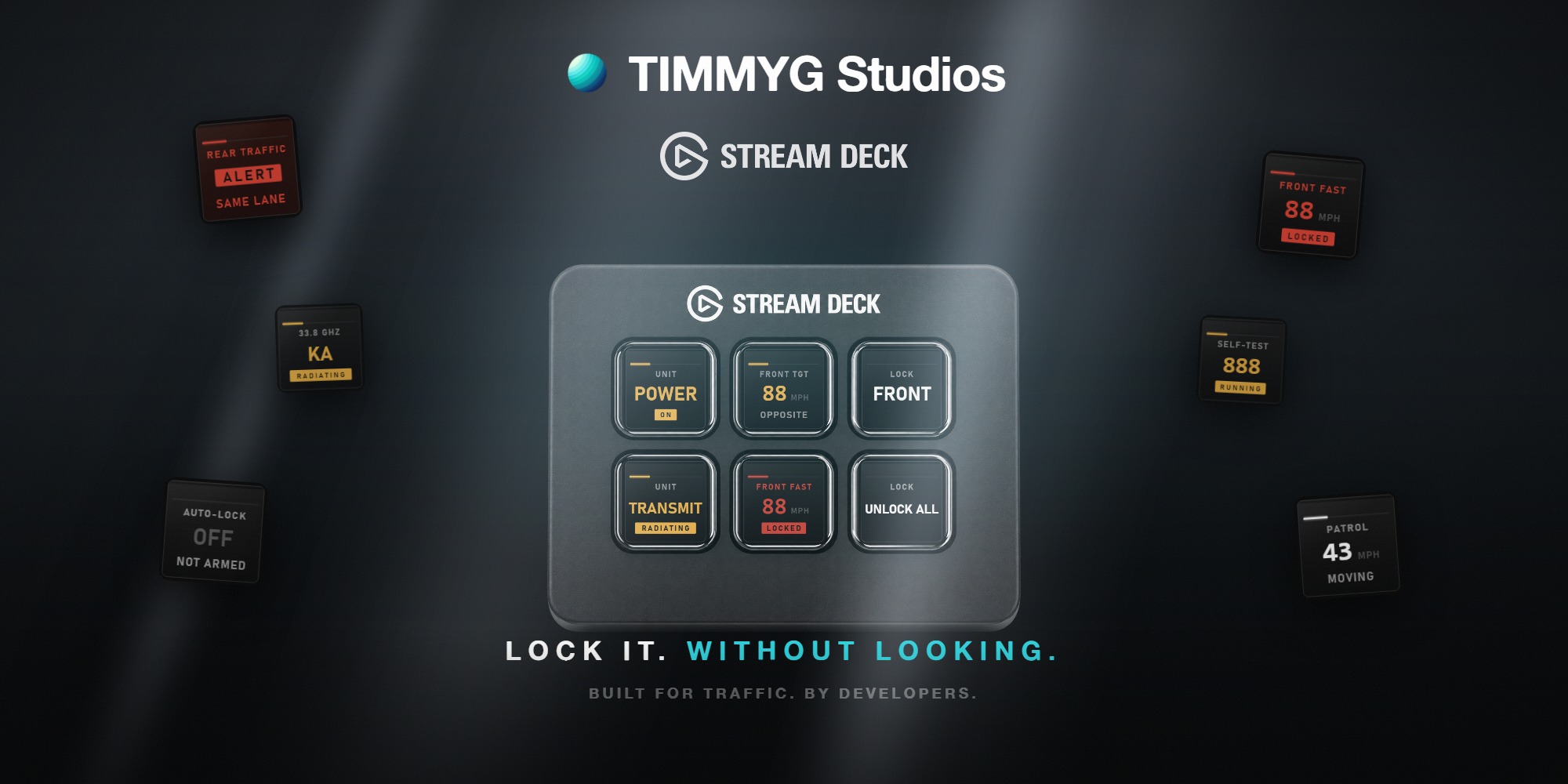
The plugin puts the RCX-150's keys on your deck.
It adds two things the glass does not have: status keys — speed windows, patrol speed, band, self-test and the rear alert, drawn on keys you never press — and two encoders on a Stream Deck +, for beam range and the auto-lock limit.
Install
- Double-click
com.timmyg-studios.tradar.streamDeckPlugin. The Stream Deck app does the rest. - Drag a tRadar key onto your deck.
There is no step 3 and nothing to tick in game: tRadar connects as soon as both are running. Nothing is configured on the server.
Before the game is running, or before you spawn in, the keys read NO LINK. That is not an error.
To turn it off: /tradar → Unit → Allow Stream Deck Link, ticked by default. Unticking closes the connection immediately and stops opening one. Saved per player.
How it connects
The plugin listens on 127.0.0.1:21399 and the game connects to it. Loopback only — nothing leaves your machine.
The three TIMMYG plugins use one port each — tRadio 21398, tRadar 21399, tELS 21400. If something else holds 21399 the plugin gives up after about eighteen seconds and draws PORT 21399 IN USE on every key.
The keys
Radar Control is one action with a dropdown of every verb the unit answers to — power, transmit hold, mode, the four locks, unlock all, the antennas, the forks, the plate locks, and the two that open and close the HUD. Most report as well: the Power key lights when the unit is on, lock keys light red while held, antenna keys show their lane. Set your own Title in the property inspector.
| Status key | Shows |
|---|---|
| Speed Window | one antenna's target or fast window, per key — front/rear × target/fast |
| Patrol Speed | your own speed, in the green the patrol window uses |
| Band | band and frequency, and whether the unit is radiating |
| Self-Test | ready, running, passed, failed. The one status key that also acts: pressing it runs another check |
| Rear Alert | same-lane traffic overtaking from behind |
What a blank key means
A speed window with nothing to show says why, and spends a second line saying which:
| Legend | Meaning |
|---|---|
— | reading, and there is nothing in front of it |
OFF | that antenna is off, or the whole unit is — the second line says which |
HOLD | transmit hold: awake but not radiating |
IDLE | radiating and still not reading. Usually stationary mode with the car under way |
TEST | a self-test is running |
FAULT | the last self-test failed; readings stay inhibited until one passes |
The encoders
| Encoder | Turn | Push |
|---|---|---|
| Beam Range | raise or lower the range, in 5 m steps | back to the server's maximum |
| Auto-Lock Limit | raise or lower the limit | set it to 0, which is off |
Step size is configurable per encoder in the property inspector. Config.maxRange is a ceiling you cannot turn past. Where Config.fastLimitMax is 0 there is no auto-lock, and the limit encoder reads N/A.
Troubleshooting
| Symptom | Fix |
|---|---|
| Every key says NO LINK | The game has not connected. tRadar retries at least every 30 seconds, so a key still waiting two minutes later means the game is not there — then check Allow Stream Deck Link in /tradar → Unit |
| Every key says PORT 21399 IN USE | Usually a second copy of the plugin. Quit the Stream Deck app fully and reopen it; the plugin does not retry past this |
| A key shows the wrong action, or alerts when pressed | A profile saved against an older version names a verb this one lacks. Reopen the dropdown and pick it again |
| The deck looks a frame behind the glass | The socket has dropped. The keys go to NO LINK within about twelve seconds and reconnect on their own |
Next
tRadar
Still stuck? Support can answer it directly.
Was this page helpful?