 TIMMYG Studios
tDetector
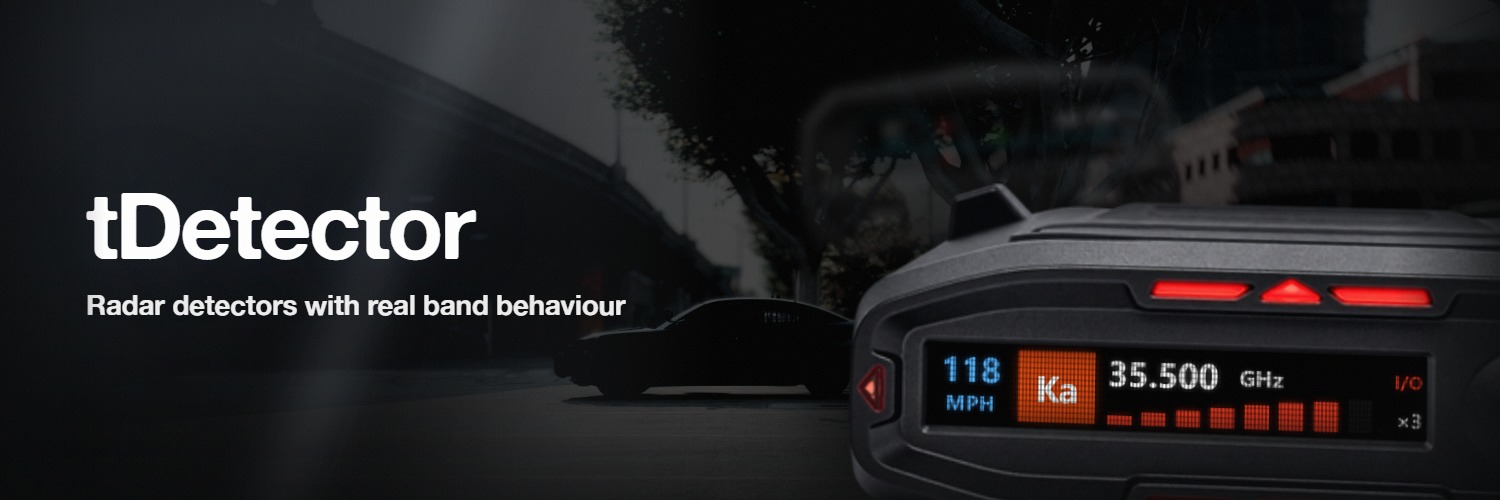
An in-vehicle HUD that alerts when another player's radar gun is transmitting nearby, and tells you the band, the strength and the direction. A radar on standby is silent.
Three lines in server.cfg, and one export on your radar. On tRadar, only the three
lines.
Requirements
| Framework | Standalone. QBCore is optional, for item-based access. No ESX or QBox support. |
| Dependency | tLib 1.0 or newer |
| Networking | OneSync (Infinity or Legacy) |
| Radar | At least one radar resource. tDetector loads without one and detects nothing. |
Supported radar resources
| Resource | What it needs |
|---|---|
| tRadar | Nothing. Ships the export and reports its own band. |
Wraith ARS 2X (wk_wars2x) | A one-line export (below) |
Seeker Dual (seeker_dual) | A one-line export |
RS9000 (rs9000) | A one-line export |
ProLaser 4 (ProLaser4) | A one-line export. Reports the laser band as instant-on, held for Config.instantHoldMs after the burst. |
| Anything else | See Integrating any radar, escrowed resources included. |
Run them all at once: tDetector probes each in Config.radarResources order and stops at
the first transmitting.
Install
Extract the resource
Drop the tDetector folder into your resources directory.
Patch your radar
A radar resource has to say that it is transmitting. Neither export needs an
fxmanifest.lua entry.
In wk_wars2x/cl_radar.lua, at the top level after the RADAR table is defined:
exports('IsRadarActive', function()
    return RADAR:IsPowerOn() and RADAR:IsEitherAntennaOn()
end)
In seeker_dual/client/exports.lua, or any client script:
exports('IsRadarActive', function()
    return Radar.power and (Radar.frontXmit or Radar.rearXmit)
end)
In rs9000/client/main.lua:
exports('IsRadarActive', function()
    return radarOpen and (frontAntenna or rearAntenna)
end)
A lidar, so tDetector reports it on the laser band with no frequency.
exports('IsRadarActive', function() return isLaserOut end)Nothing to add. tRadar ships GetDetectorSignature() and reports its own band.
An export you add to somebody else's resource is gone the next time you update it, and it fails silently. A radar under asset escrow has no file to edit at all. Both cases want a bridge resource, which also reads a radar through its state bags or events with no changes to it.
Add to server.cfg
Your radar starts before tDetector. tLib needs no ordering — the declared dependency handles it.
ensure tLib
ensure tRadar      # or wk_wars2x, seeker_dual, rs9000, ProLaser4 …
ensure tDetector
Start the server
No further setup. data.json is created on first start, and the version banner prints in
the server console.
Check it
/tDetSources reports what every configured radar entry returns right now.
/tDetSources test, in a vehicle with the detector on, runs a 12-second synthetic
sweep of the display.
It works if
The version banner prints; /tdetector opens and Enable Detector switches on in a
vehicle; the HUD boots and settles on SCANNING; /tDetSources names your radar as
started, and TRANSMITTING while another player has it keyed up; and
/tDetSources test sweeps the display.
Next steps
- Usage — the controls, and how to read the display.
- Configuration — every option, with defaults.
- Troubleshooting — if no alerts appear.
Radar Detector
Still stuck? Support can answer it directly.
Was this page helpful?