 TIMMYG Studios
tRadar
$14.99
BuyTommy's Radar
A radar your officers have to read
The radar prop on the dash at night, its windows live
1 / 7
One-time purchase — lifetime access to this product, for as long as we continue to offer it.
Powered by Tebex. Instant delivery to your Cfx.re account. Refund policy.
FiveM usage
No usage figures for this product yet.
Description
Police traffic radar for FiveM that models the instrument instead of the number. Two antennas, a fastest-target window each, per-window lock, patrol speed, moving and stationary modes, and doppler audio derived from the band the gun is actually on.
It is a piece of equipment your officers learn, not a readout that hands them a speed. It can be fooled the way a real one is fooled, it tells them when it has been, and a tuning fork is how they check it.
- faceplates, across three device classes
- 5
- bands — X, K and Ka, with real doppler constants
- 3
- server options, all documented
- 50
- dependency — tLib, and it's free
- 1
Will it run on your server?
- FiveM, standalone. No framework code and nothing to detect
- Requires tLib v1.0 or newer — free
- No database. Nothing to import, no connection string
- Six frameworks and nine inventories resolve out of the box for job- or item-gated access; ACE and open access need neither
- Asset Escrow encrypted, with
config.lua,server/sv_access.luaand every layout left outside it
What it is not
- Not a speed camera or an automated enforcement system — an officer aims it, reads it and decides what it means
- Not a CAD. The optional plate reader shows and locks plates, has no opinion on what a plate means, and never prints
CLEAR - Not a perfect instrument, on purpose
The number is not the point
Most radar scripts print the speed of whatever is in front of you. tRadar makes an officer work an instrument: pick a lane, decide which window to lock, and know when the reading is not trustworthy.
Each antenna runs a target window and a fast window, and each locks independently. Lane filtering steps opposite → both → off → same, so a parked antenna genuinely stops scanning and the other runs at full rate.
It can be fooled, and it shows you when
In moving mode the unit reads its own speed off the roadway ahead. Put a lorry in the lane in front and it locks the better reflector — the patrol reading gets dragged, and every target reads high by the difference.
That is patrol-speed shadowing, and it ships on, because it has a tell: the patrol window visibly sags below the speedometer the whole time it is happening. That is the thing real officers are trained to watch for, and here it is something your officers can learn to catch.
The published +1/−2 mph calibration tolerance is modelled too, and ships closed — turn it on if you want maintenance to matter.
A tuning fork that actually tests something
/tradarfork strikes a fork in front of an antenna. What comes back is the fork's frequency divided by this band's doppler constant — the counter doing what it always does, to a signal that never came off a car.
So the calibration offset applies and the shadow does not, because there is no ground channel involved. A head reading 65 off a 65 fork but 70 off a 65 car is telling your officer the fault is not in the counter.
A mismatched fork reads what that frequency genuinely works out to. The published Ka fork is cut for 35.5 GHz, so at a 34.7 GHz head it reads 66 — and a Ka fork at an X-band head is refused outright.
Five faceplates, and none of them is a texture swap
Three heads, a plate reader and a handheld remote. The numbers are real seven-segment digits — seven clip-path bars per position, decoded in CSS, with unlit bars at 10% so a dark window shows the ghost 888 the reference photographs do.
Layouts are marketplace items. They carry no script, so a skin can be published and installed without a restart, and a build-time lint fails any layout that binds a key the engine does not answer.
Bands your detectors can hear
Config.band is a real property of the unit, not a caption. The doppler constant is derived from it — reproducing the published 31.39, 72.02 and 105.87 Hz/mph — so an X-band gun genuinely sounds like a different instrument.
It is also what a detector across the road hears. tRadar publishes its band, its spot frequency, its range and whether it is running instant-on or constant-on, so a detector can derive its own warning distance from the gun rather than from a constant it invented.
tDetector already lists tRadar and reads all of it.
A unit on the dash that other people can read, and hear
The radar is a streamed prop in the car, not an overlay drawn on your screen. Its windows carry the live reading, so a passenger — or an officer leaning in at the driver's door — reads the same number off the glass that the operator does.
The two distances are deliberately different, because they are different senses. Config.screenRange is 8 metres by default: close enough to actually read digits. Config.audioRange is 32 metres: the lock tones, the rear-traffic alert and the doppler come from the direction of the vehicle, so you hear a gun working well before you are close enough to read it. The falloff is solved from that number rather than tuned by hand.
Which prop a model gets, which is the default, and where it sits on each vehicle are all config — and a placement saved in game with the in-vehicle editor wins over the table.
The plate reader
Optional and off by default. It shows plates and locks them, and it does not decide what a plate means.
Every read fires an event, and your CAD or BOLO resource answers with a flag:
AddEventHandler('tradar:plateRead', function(plate, side)
    if isStolen(plate) then
        exports.tRadar:setPlateFlag(plate, { level = 'alert', label = 'STOLEN', source = 'tCAD' })
    end
end)
Nothing answering means the window shows the plate and no flag. It never prints CLEAR, because "no answer" is not "came back clean".
A BOLO list ships alongside it, so a server with no CAD still gets flags. Officers
manage it in the BOLO tab of /tradar: server-owned, shared by everyone, persisted,
and gated on the same access check as the radar. Three server exports — addBoloPlate,
removeBoloPlate, getBoloPlates — let an MDT push to it, and Config.boloWebhook
posts to Discord when a plate is added, removed or seen by a reader. Run a real CAD as
well and both answer; the last answer for a plate wins.
Compatibility
- Frameworks
- None needed. Six resolve jobs out of the box, plus nine inventories, only when you gate access
- Dependencies
- tLib v1.0+ (free). Nothing else
- Database
- None. No SQL import
- Access control
- Open, ACE permission, framework job and grade, or an inventory item
What ships
- Faceplates
- 5 — three heads, a plate reader, a handheld remote
- Device classes
- 3 — radar, plate, remote. Each positioned separately
- Bands
- X (10.525 GHz), K (24.150), Ka (34.700), plus per-skin overrides
- Server options
- 50, every one documented with its type and default
Left outside escrow
- config.lua
- Every server option
- server/sv_access.lua
- The access hook, so a framework we do not ship can be taught to answer
- layouts/
- Plain HTML and PNG. Edit a skin or write your own
No. tRadar is standalone and contains no framework code of its own. If you gate access by job,
tLib resolves six frameworks — qbx_core, qb-core, ND_Core, es_extended, ox_core and
nat2k15framework — with real grade support, and nine inventories answer the item gate
independently. Anything else is a hook in server/sv_access.lua, which sits outside escrow.
The controls are a mode key, a lane key per antenna, a lock key per window and a power key. What takes learning is reading it — knowing that a sagging patrol window means every target is high. That is the product, and it is why the docs are symptom-first.
Yes. It publishes band, spot frequency, range and instant-on versus constant-on through an export, and tDetector reads all four. A detector hears a gun from roughly twice as far as that gun can read you, and publishing the range is what lets a detector honour that ratio instead of guessing.
Yes. Layouts are a folder with a PNG and an HTML file, bound to the live view with tLib's
data-hud-* attributes. They carry no script, which is what lets them be published as
marketplace items. A skin declares what device it is on its root element, so it can be called
anything.
50 options, and the file holding them is outside escrow along with the access resolver and every layout. Beam range, cone angle, band, the self-test interval and failure rate, the calibration window, the shadow error, the sample window and the tuning fork are all yours.
The reader itself is not: it reads plates and raises whatever flag it is handed, and it never
reports a plate as clear. A server-owned BOLO list does ship alongside it, managed from the
BOLO tab of /tradar and reachable from an MDT through three server exports, so a server with
no CAD still gets flags. Run a CAD as well and both answer.
Before you buy
- Beta. It is in use and it works, but the feature set is still moving and you should expect changes between releases. Ask in the Discord before you buy if that matters to you
- Lifetime access, one payment, for as long as we continue to offer the product
- Escrow encrypted, with the config, the access resolver and every layout left outside it
- Full documentation — installation, all 50 options, usage, layouts, troubleshooting and the API, all public before you buy
- Support through our contact page
Also from TIMMYG Studios
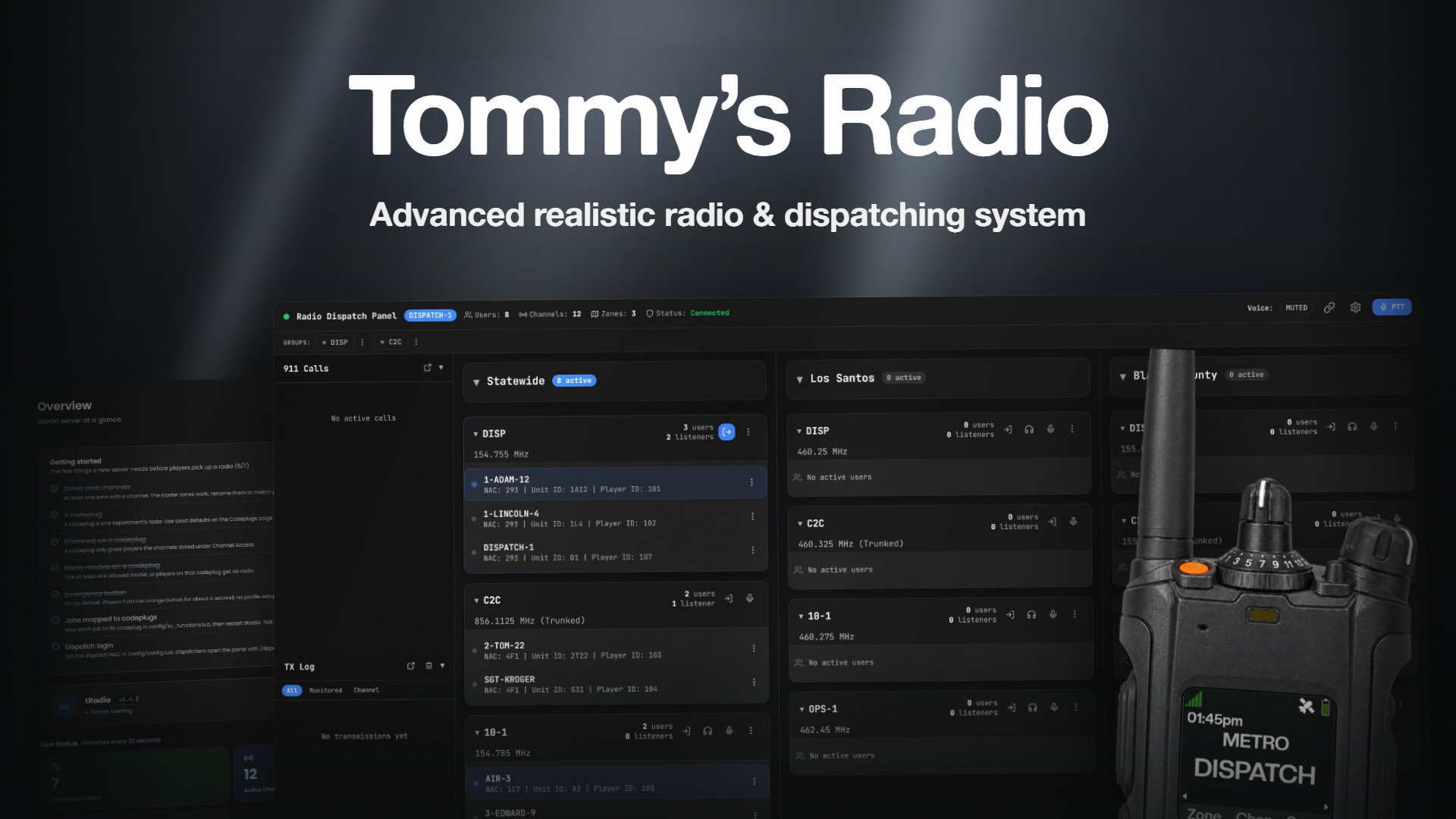
tRadio
EscrowReal P25 radio for FiveM — dispatch panel, trunking, and 3D audio
standaloneqbcoreqboxesx
From$19.99/mo
or $99.99 one time
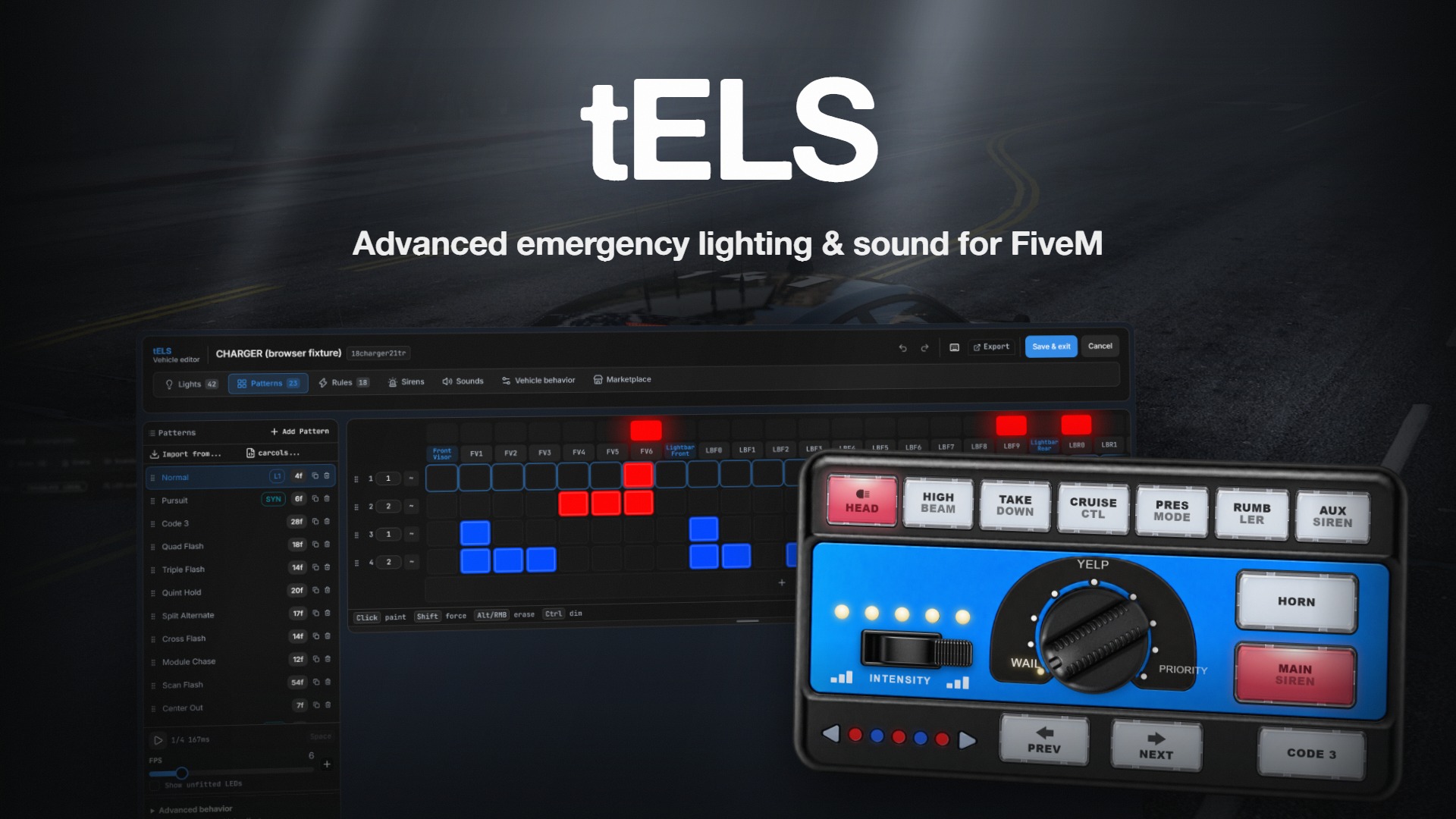
tELS
BetaEmergency lighting for FiveM. Configured in the vehicle, not in a file.
standaloneupdated
From$19.99
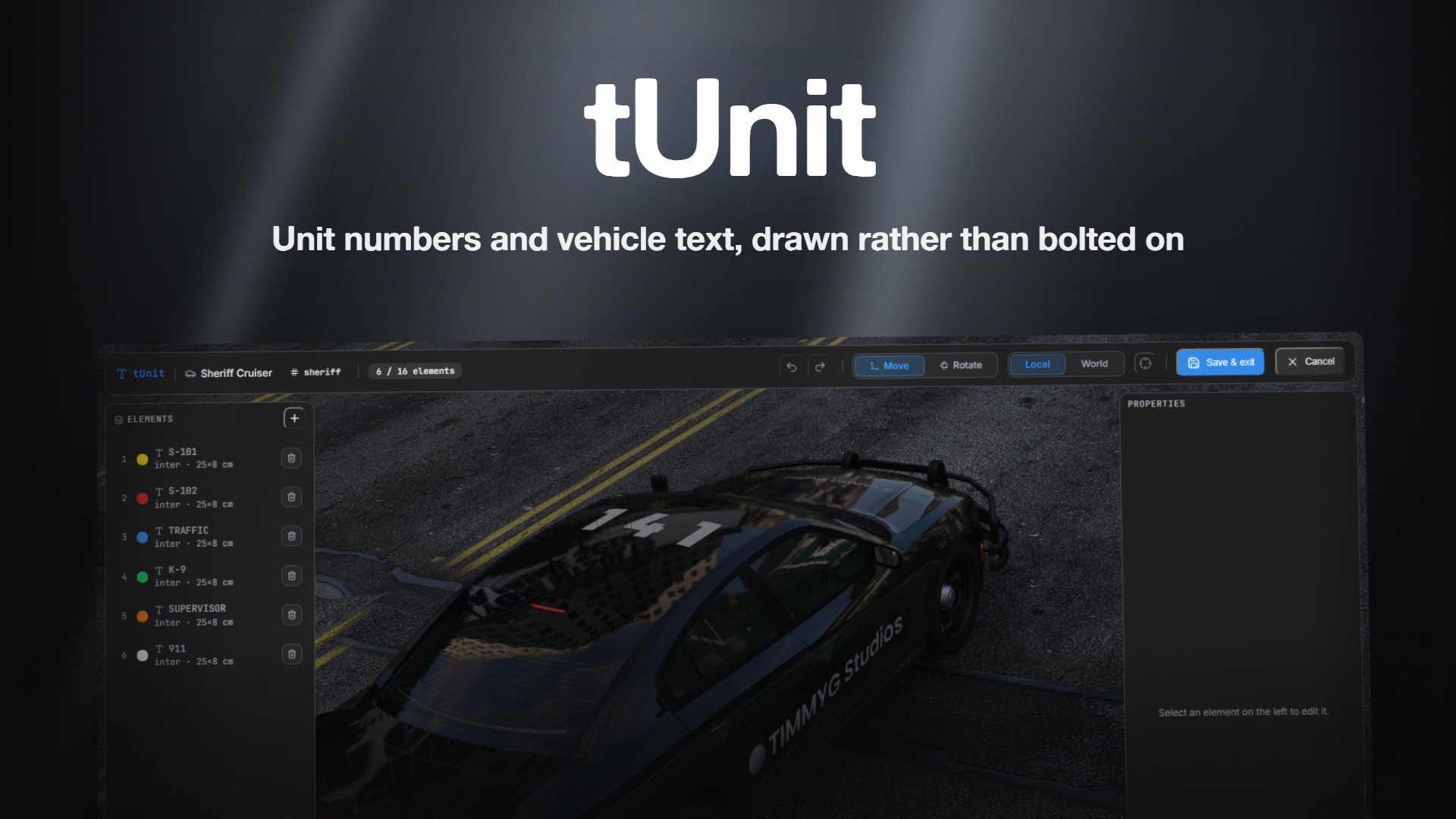
tUnit
EscrowUnit numbers that are drawn, not bolted on
standaloneqbcoreesx
From$19.99